Supademo: A First Look at Interactive Product Demos
Overview
I stumbled across Supademo on a colleague’s website, where an interactive demo was embedded right on the page. Having built simulations by hand, I was curious whether a tool like this could speed up the process, so I decided to try it out myself.
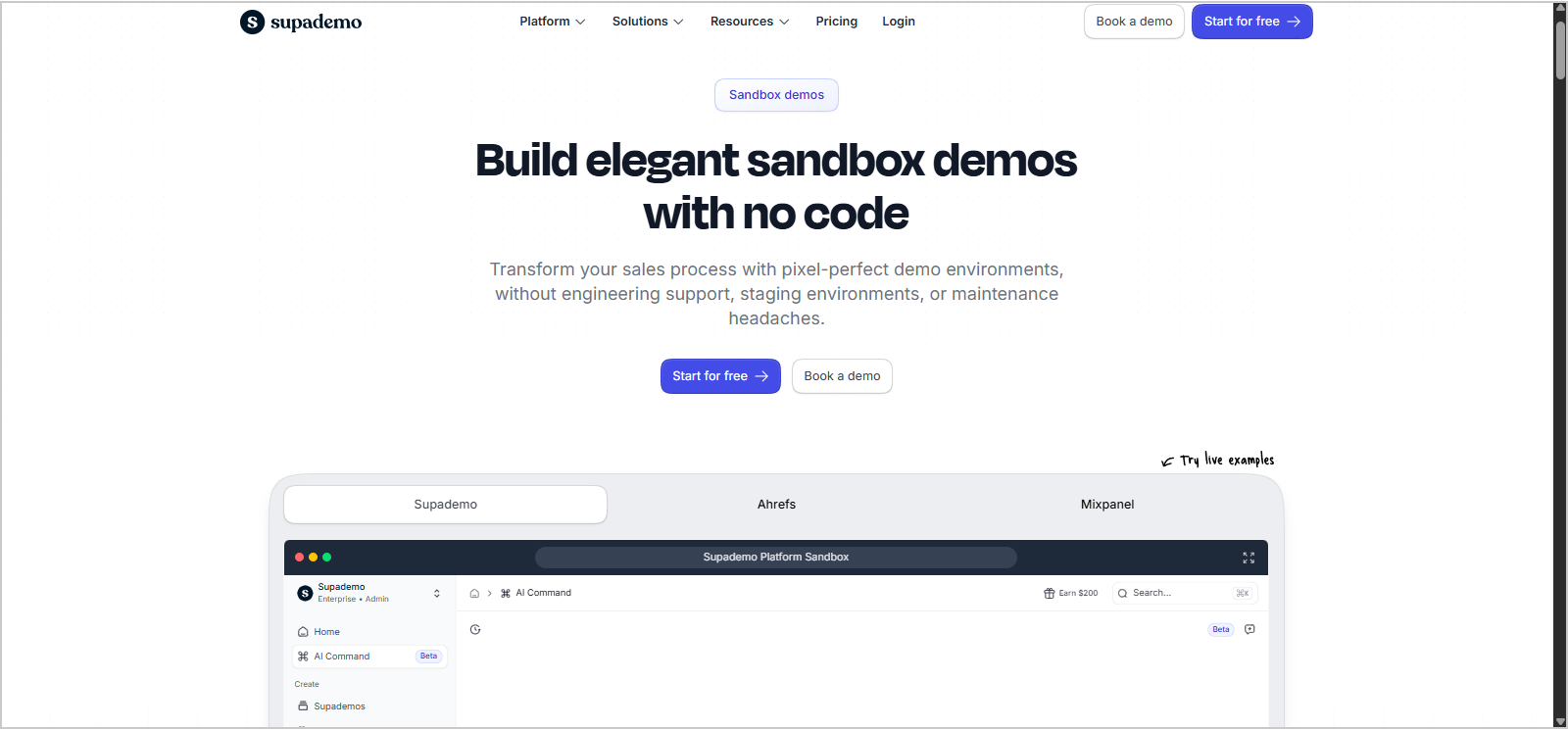
Supademo is a browser-based tool for creating interactive product demos. You capture a website as you click through it, and it turns those clicks into a demo people can step through or explore.
Trying It Out
I started with the free plan and used Supademo’s demo site for my recordings. Supademo offers three demo recording options:
- Guided demo (screenshot & video): captures your clicks as screenshot or video steps
- Guided demo (HTML cloning): clones the page's HTML and CSS, so each step looks and behaves like the real thing
- Sandbox demo (HTML cloning): a free-roam replica with no guided steps, so viewers explore on their own
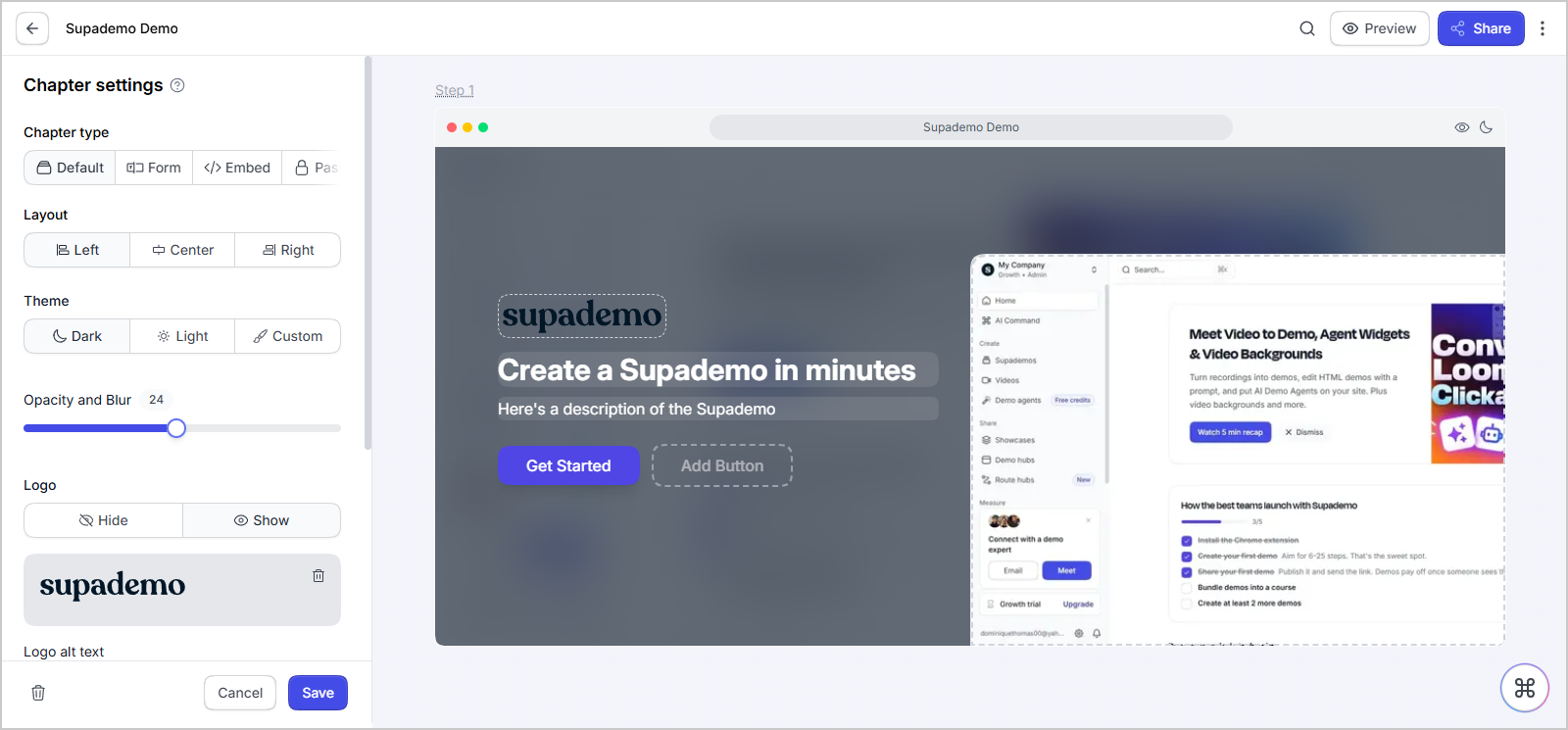
I tried all three demo types, and the process was intuitive and easy to use. When you're done recording, your content appears in a slide editor. The editor allows you to add steps, adjust animations, and reposition hotspots.
What I Liked and What to Consider
What I Liked
- Tour navigation: Guided tours include a clean sidebar that lets learners jump between sections and return to earlier steps.
- Smart blur: Masking personal information can be a pain for any instructional designer, so this made things much easier.
- Customization: Step colors, font sizes, hotspot styles, animation, and positioning can all be adjusted, and there's an editor for small post-capture tweaks like bolding text.
- Built-in extras: Translations, accessibility options, and branding settings are all included.
- Flexible sharing: Demos can be downloaded as videos, embedded, presented directly, or exported as a SCORM package for an LMS.
Things to Consider
- Partially locked sandbox: The sandbox only unlocks after you build a guided HTML demo. It felt a bit gamified to me, and I would have liked access to all three options up front.
- Hints over remediation: In the sandbox, a blinking hint shows where to click. I'd prefer remediation, or a simple box or arrow pointing to interactive areas.
- Limited branching: Demos mostly follow a single path, which keeps things simple but limits how much learners can explore or make choices.
- Browser only: It only works in the browser.
- AI Feature pop-ups: Expect frequent pop-ups nudging you toward the AI features, especially when you first arrive and after editing.
- Free plan limits: The free plan is great for trying things out, but keeping HTML demos, sandboxes, and certain features requires an upgrade after the trial period.
Final Takeaway
I'd recommend Supademo for quick, web-based walkthroughs, like onboarding, software overviews, or showing a workflow step by step. Guided tours aren't my favorite format, but there's a time and place for them, and pairing a guided demo with the sandbox for free-roam practice is where I see the most value.
For full simulations with branching paths and remediation, I'd personally prefer to build them. That takes longer and comes with ongoing maintenance, but it gives you full control over the experience. Supademo isn't a replacement for that, but for getting something polished and interactive up quickly, it's a solid tool worth trying.
Explore it Yourself
— Dominique
Learning out loud, one project at a time.
Comments
Join the discussionNo comments yet. Be the first to comment.